Müşteri PWA — Apartment Manager's App
The first version made every building manager log in with a building code and a password we would send over WhatsApp.
Role
I set the rule the screens follow: the people using this are older and not comfortable with technology, so large type, high contrast, nothing that needs a second tap to explain itself. The build was driven with AI coding agents against the shared contract, and the login change came from the backend side first.
Stack
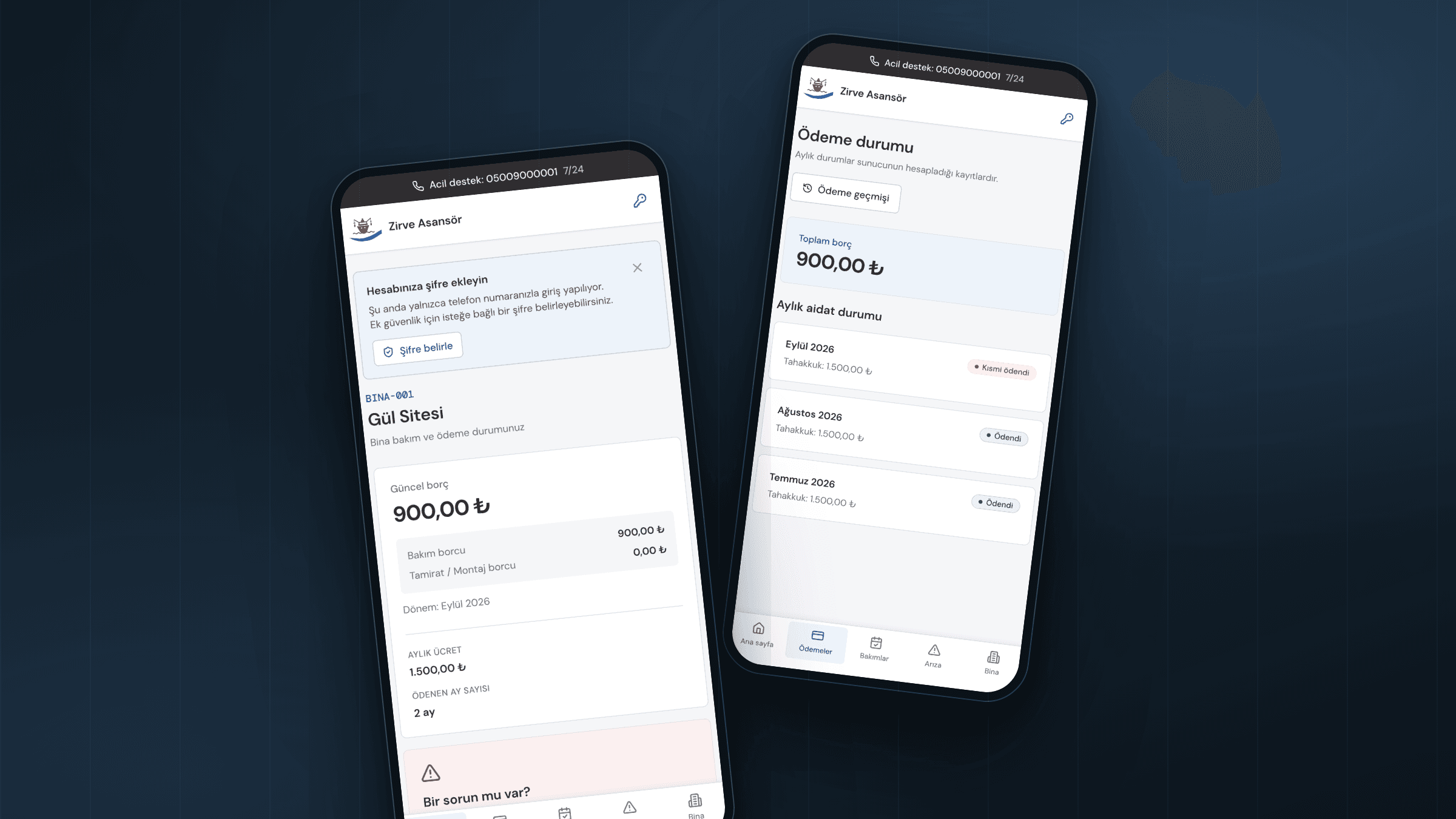
Overview
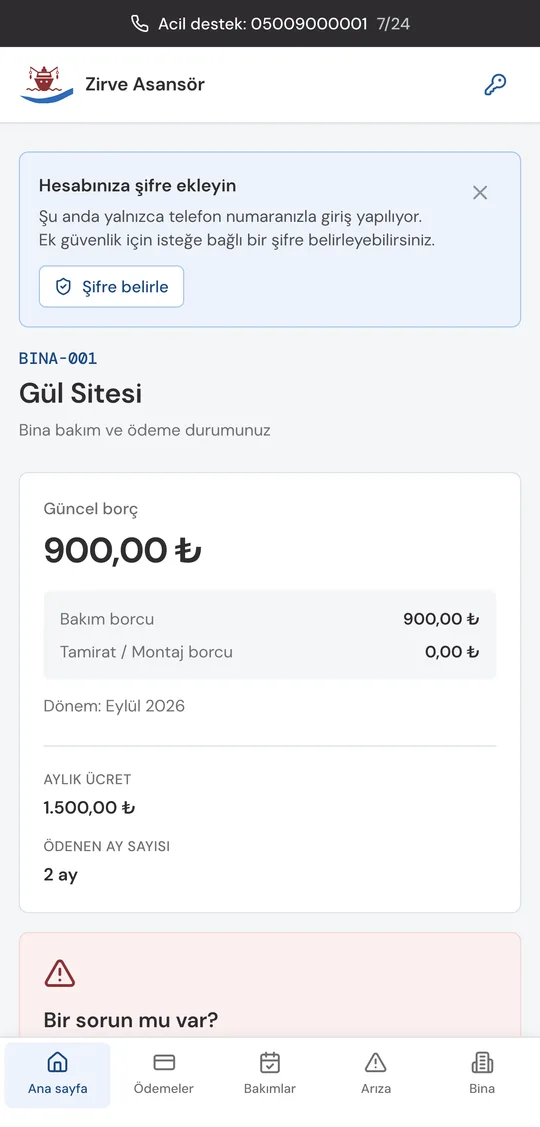
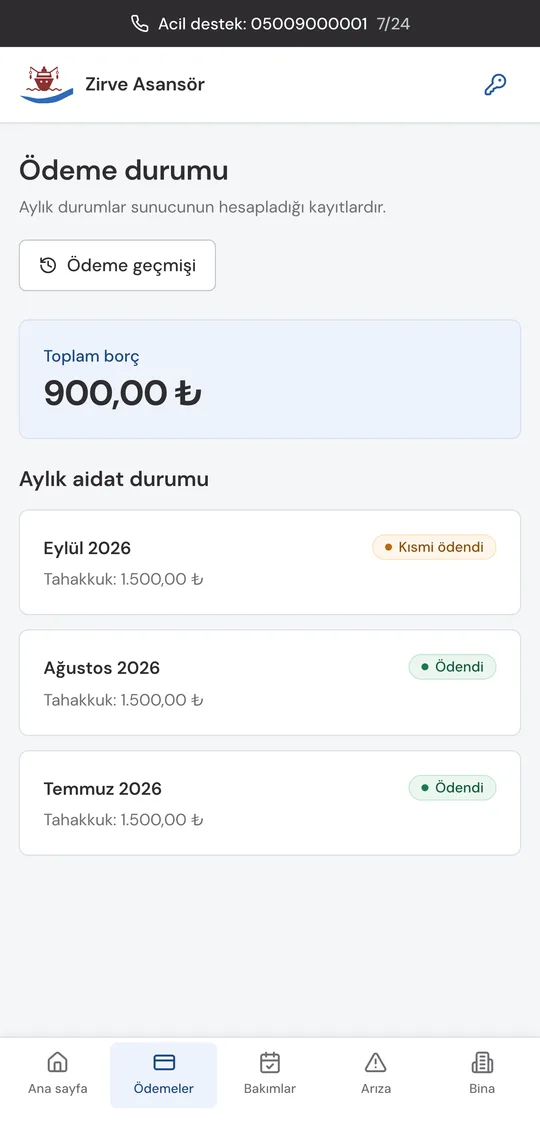
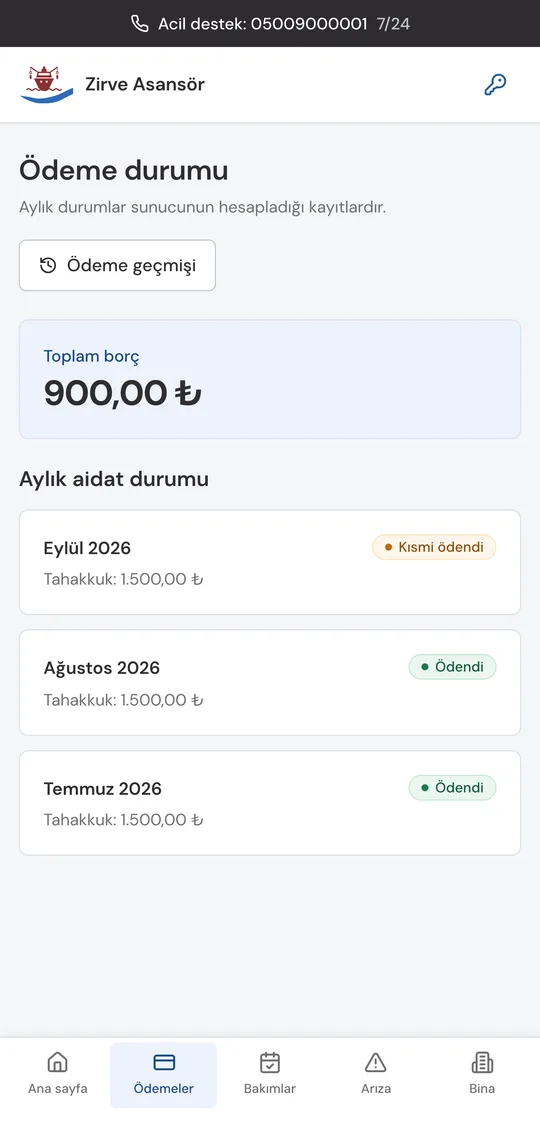
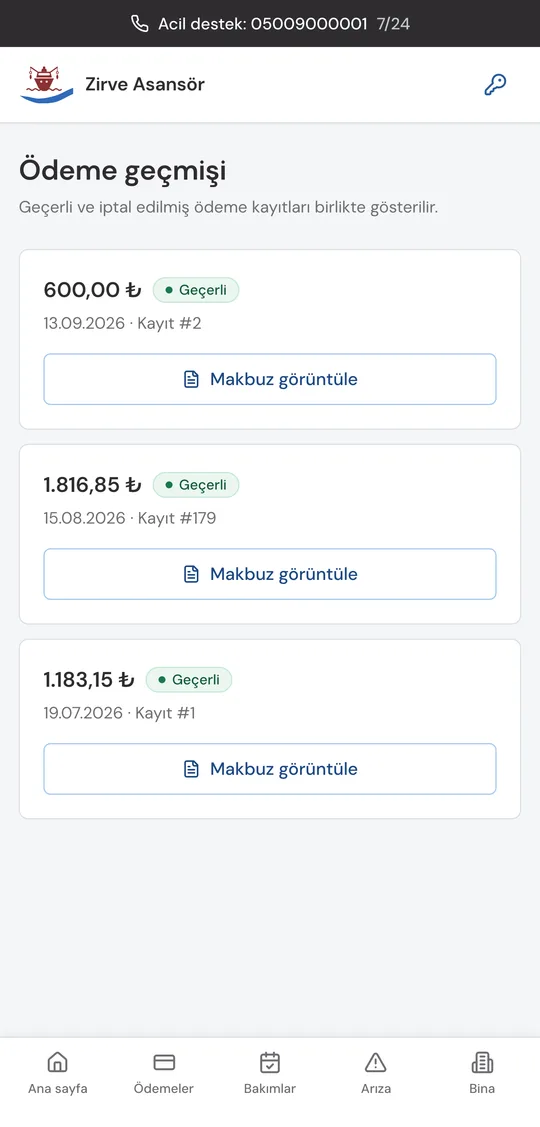
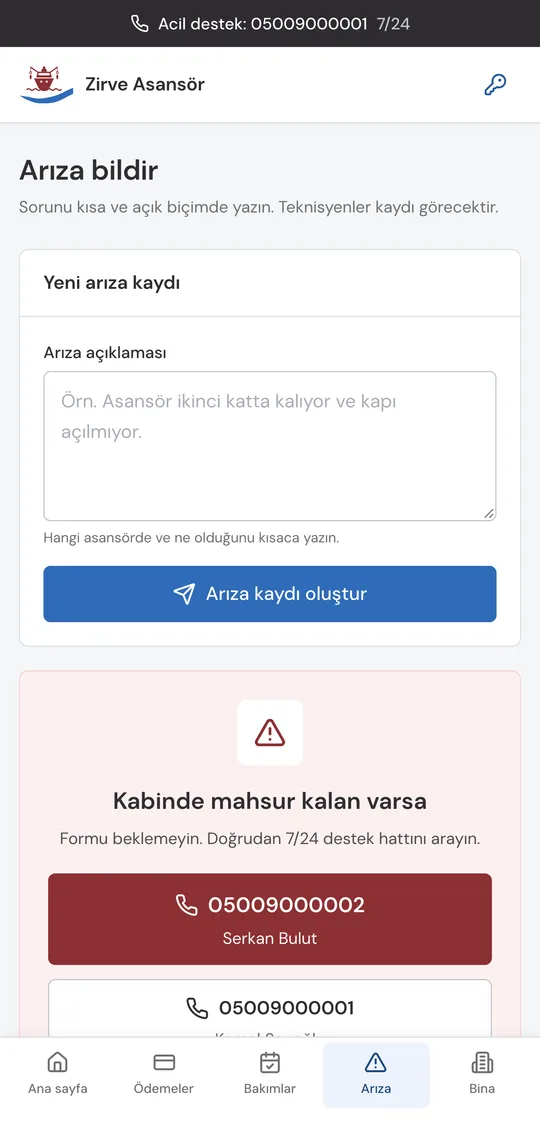
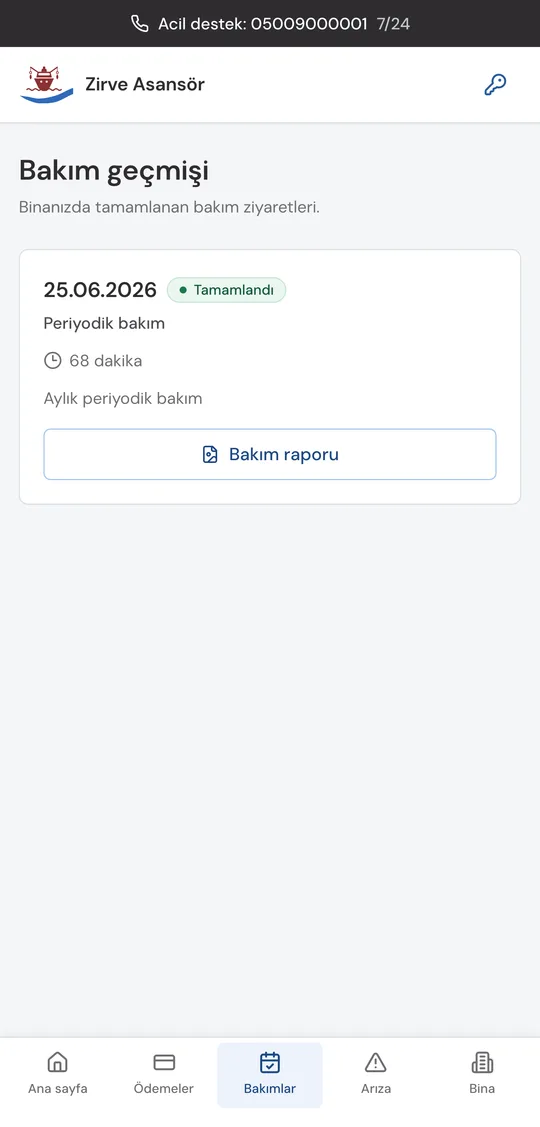
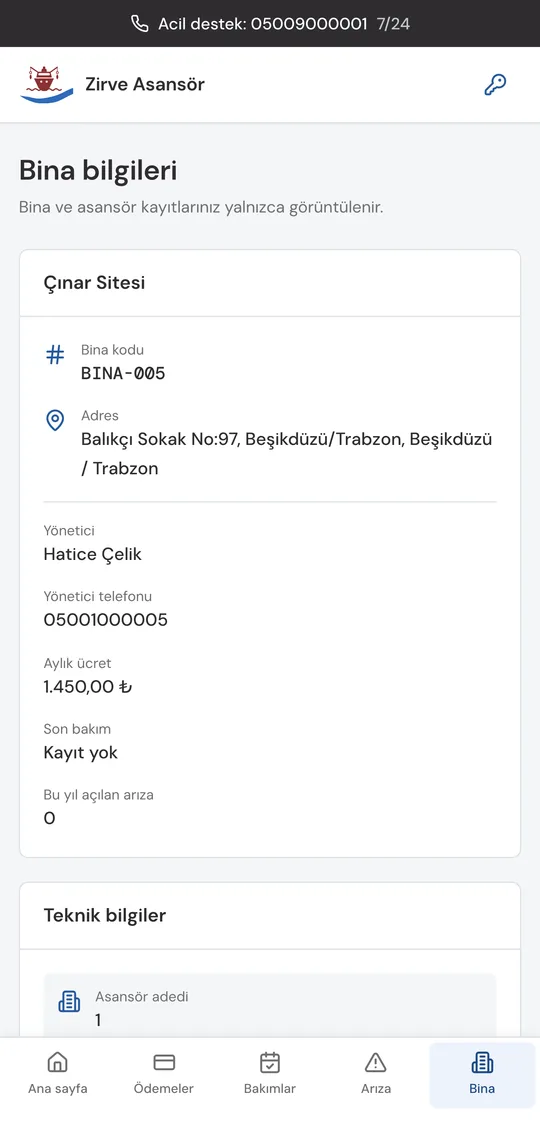
The first version made every building manager log in with a building code and a password we would send over WhatsApp. It was the standard thing to do and it was never going to work. Around 300 managers, most of them older, many of them changing every year, each needing a password typed into a phone by someone who might not want to. So login became the manager's phone number, the one the firm already has, and a password is something you can add later if you want one. The app itself shows what the building owes month by month, the payments taken and the ones cancelled, the last maintenance visit, and a button to report a fault with the emergency number next to it. It installs from a link or a QR code, so it reaches iPhones without an App Store listing.
What it does
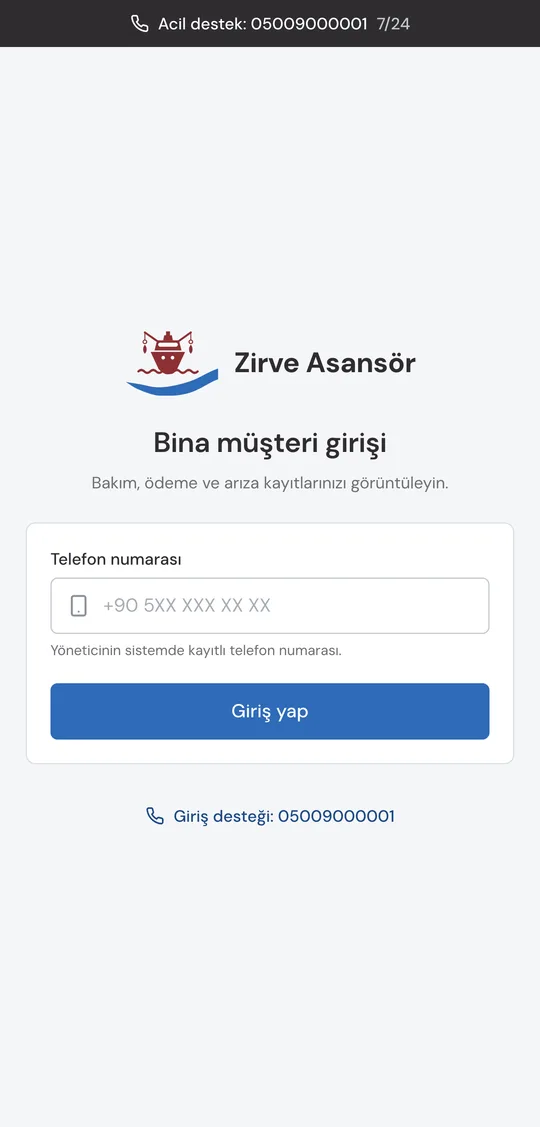
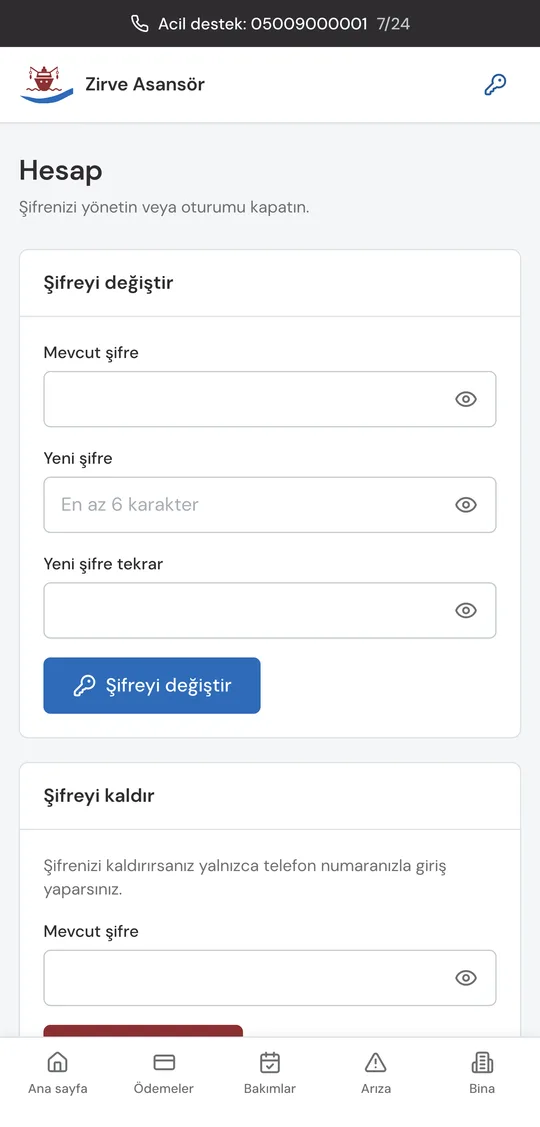
- ILogin with the phone number the firm already has for the manager. A password only if they add one
- IIMonth by month status: paid, partly paid, open
- IIIPayment history that keeps cancelled payments visible, each with its receipt
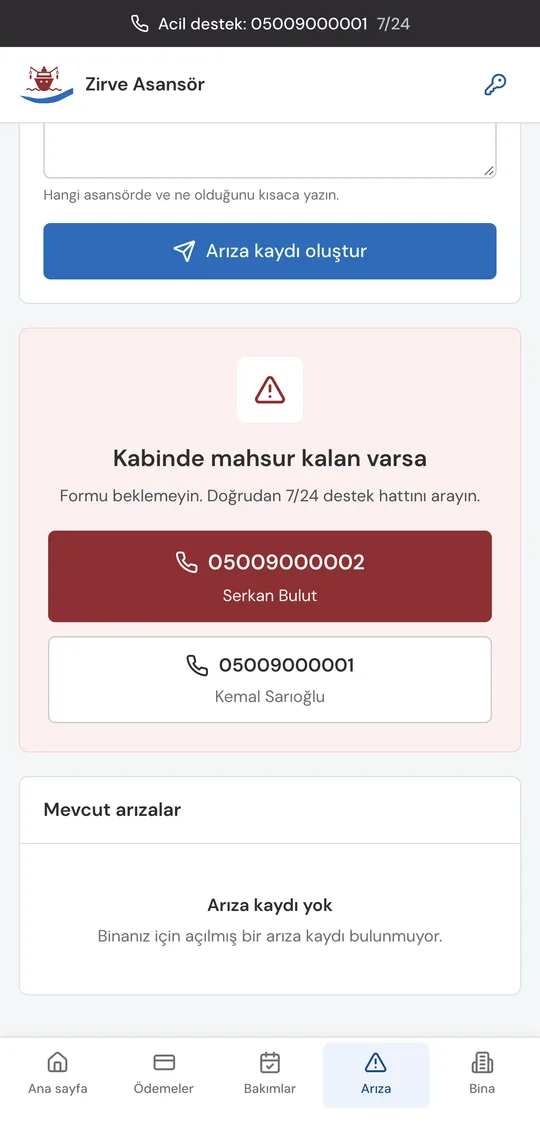
- IVA fault button with the 24/7 numbers beside it, for someone stuck in a cabin
- VInstalls from a link or a QR code; the session survives closing the app
Screens
Technical notes
- IThe support numbers are compiled in from environment variables and drawn even when the API call fails. If the server is down, the one job this screen still has is to tell you who to call. The numbers used to be literals in the source, along with an office landline sitting in a comment; a real number is never a literal in git now.
- IIA restored session is not trusted until it is checked. The app used to open straight into the signed in screens from localStorage and only find out on the first request that the token was dead, so a stale session could flash the app and then throw you out. Now one small authenticated call runs behind a splash first. A 401 logs you out; a network error keeps you in, because a phone with no signal is not a logout.
- IIIThe password prompt on the home screen is a card you can dismiss, and it gates nothing. A required password is exactly what the phone login replaced, so bringing it back through the front door would have undone the decision.
What I learned
The original design had accepted a risk it called a password archive: every password sent over WhatsApp stays in a chat forever. Switching to phone login removed the archive as a side effect, since there was nothing left to send. The optional password now lives only on the phone of the person who chose to set one, and changing the manager's number clears it, because it belonged to the previous manager.